Shape every stroke
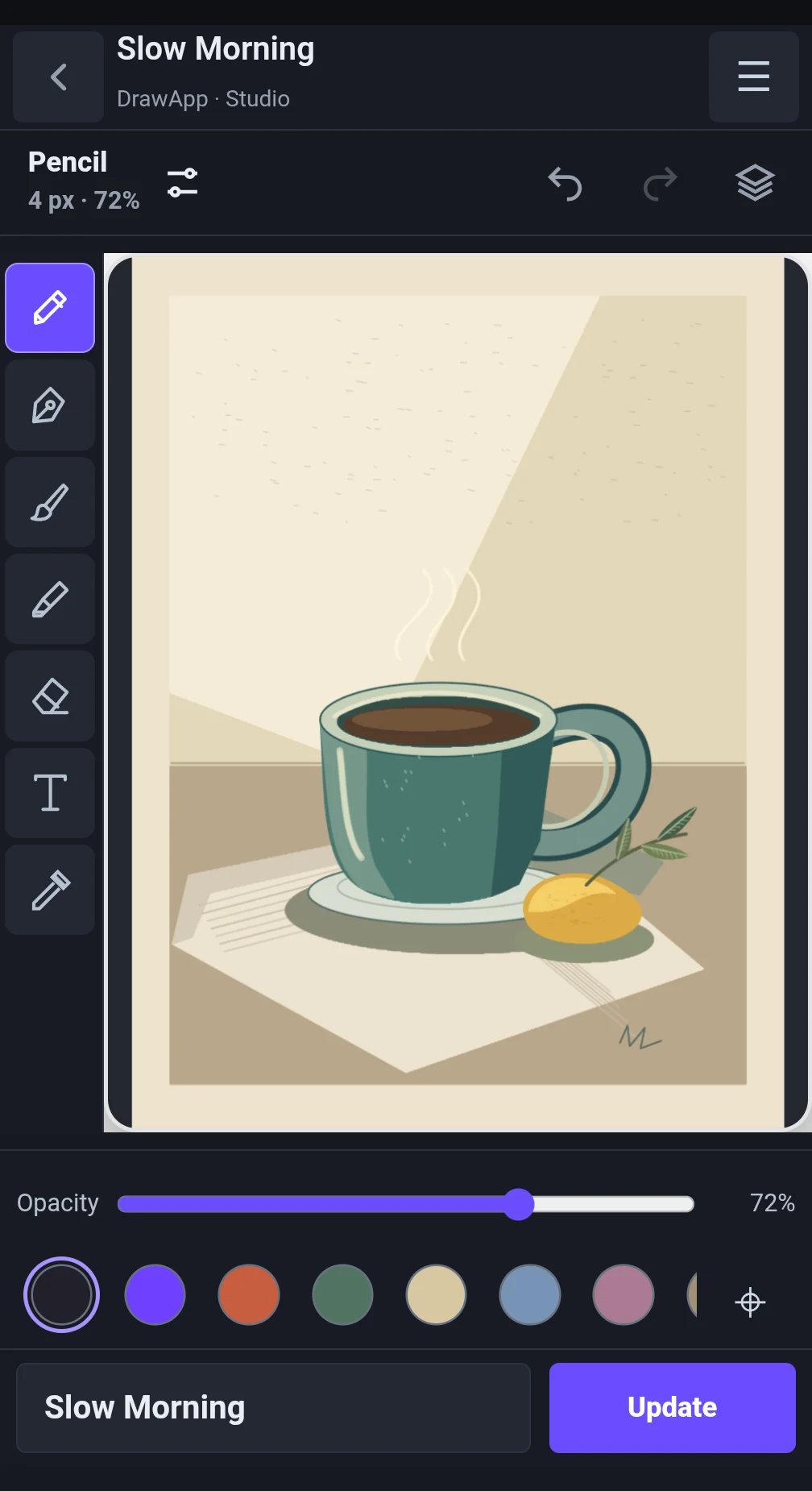
Choose a pencil, ink pen, brush or marker. Adjust tool size, opacity and stabilization to suit the way you work. Refine areas with the eraser, undo changes and redo them as you explore a shape.
 DrawApp
A studio for drawing and painting · Android
Turn an idea into an illustration. DrawApp is a digital studio for sketching, drawing and painting, taking you from the first line to a finished composition. Create still-life studies, botanical illustrations, urban sketches and original artwork.
DrawApp contains ads.
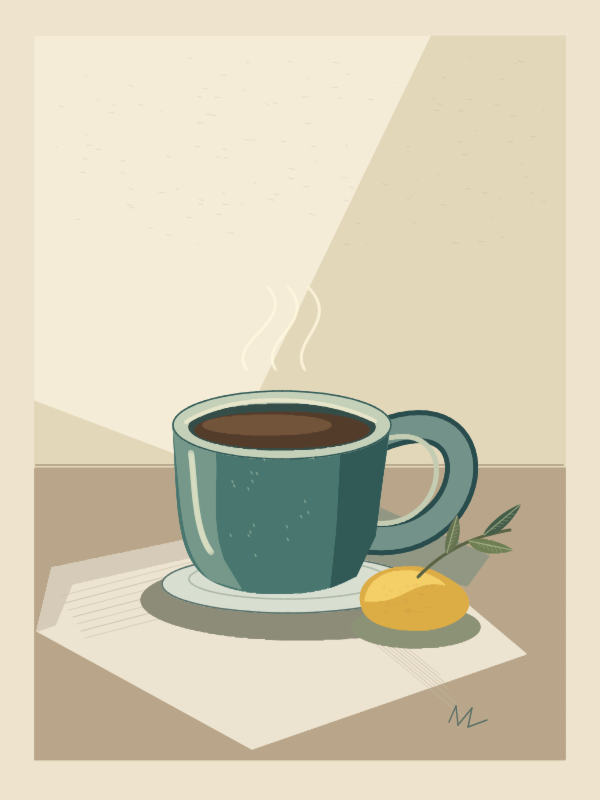 01 / Slow Morning
Choose a pencil, ink pen, brush or marker. Adjust tool size, opacity and stabilization to suit the way you work. Refine areas with the eraser, undo changes and redo them as you explore a shape.
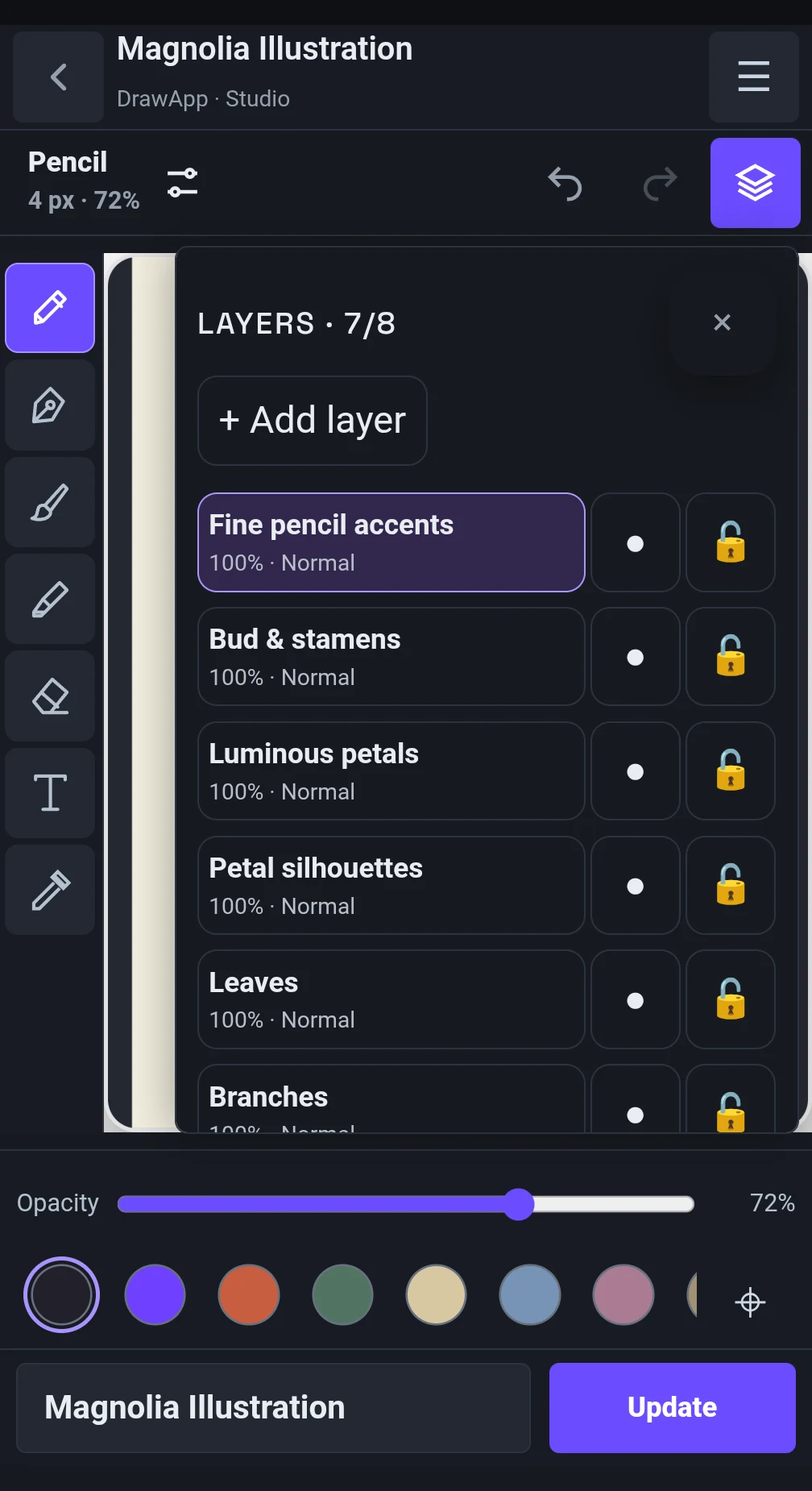
Work with up to 8 layers to separate your sketch, color, shadows and details. Name layers, reorder them, adjust their opacity, and hide or lock them. Use Normal, Multiply and Screen blending modes.
Set hue, saturation and brightness with HSB controls or enter a HEX code. Sample colors from the canvas with the eyedropper and save your own colors to the palette.
Studio
Choose your canvas proportions before you begin. Zoom, pan and rotate the view to find a comfortable drawing angle. Fit the canvas back into view whenever you want to check the whole composition.
Save artwork to your library and reopen it for further editing with its layers preserved. Export finished illustrations as PNG files, including artwork with a transparent background.
Made in DrawApp
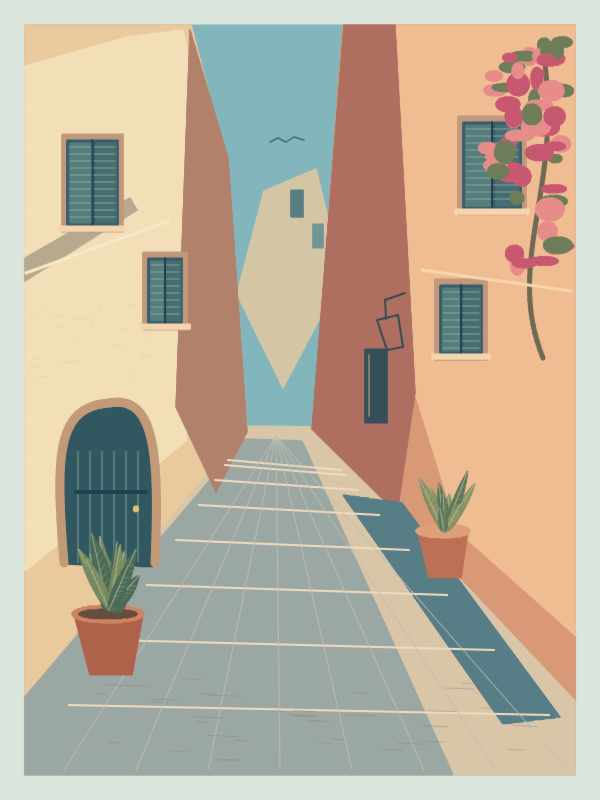
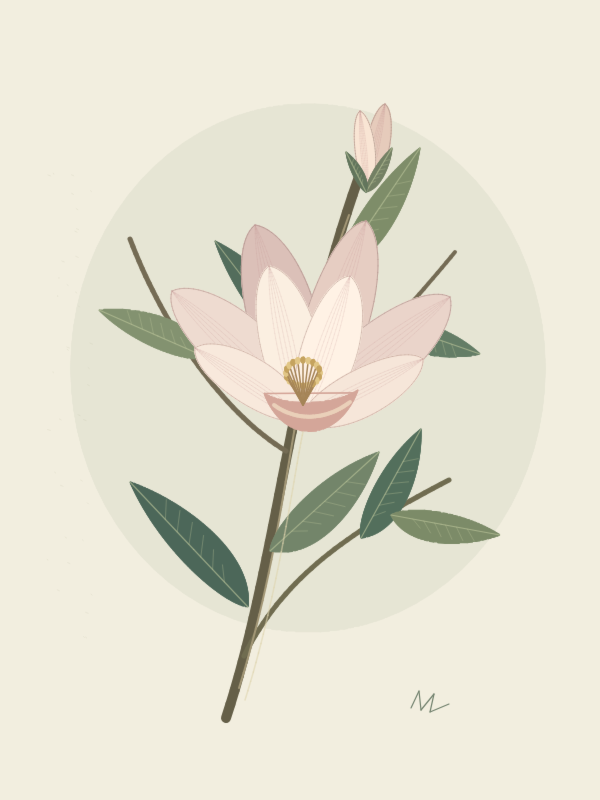
Original layered projects created with DrawApp’s drawing tools.
Questions
Draw with your finger or a compatible stylus. Pressure and tilt support depend on your device and stylus.
No account is required. DrawApp stores projects, drawing strokes, layers, recovery copies and settings locally. It does not require access to contacts, the microphone or precise location.
DrawApp displays a Google AdMob banner. The advertising SDK may process advertising IDs, IP addresses and device data. Consent choices are shown where applicable. Drawings are not sent to AdMob. Details:
English · Deutsch · Nederlands · Svenska · Norsk · Dansk · Suomi · Polski · Español · Українська
DRAWAPP
Open a canvas and give your next idea a shape of its own.
Get it on Google Play